
A rtfreporter document is a flat sequence of pages,
and the rule is simple: one page holds exactly one content
item – a table or a figure – plus an optional title and
footnote block. You add content with rtf_tables() (and
rtf_figures() for images); each element you pass becomes
one page.
This article is the deep dive on content. For document-wide settings
(page size, fonts) see Page & document
setup; for converting gt / gtsummary /
rtables objects see Importing tables; for splitting a long
table across pages see Paginating with
as_rtftables().
Show code
df1 <- data.frame(Parameter = c("Age", "  Mean", "  SD"),
                  Value     = c("", "75.1", "8.2"), stringsAsFactors = FALSE)
df2 <- data.frame(Parameter = c("Sex", "  F", "  M"),
                  Value     = c("", "53%", "47%"), stringsAsFactors = FALSE)
A single table
The quickest way is to hand a data.frame straight to
rtf_tables() – a single item needs no list(),
and it gets the default look (TFL borders, the first column left, the
others centred):
doc <- rtf_document() |> rtf_tables(df1)
length(doc$contents)        # one page
#> [1] 1
A table’s appearance is written on the table: build it with
rtftable() (or as_rtftables() for gt/rtables
sources, or a plan’s plan_style()) and pass that:
Show code
tbl <- rtftable(df1, border = "tfl", row_height_twips = 280L,
                col_rel_width = c(2, 1),
                col_spec = list(list(col = 2, align = "right")))
doc <- rtf_document() |> rtf_tables(tbl)
The options (border, col_rel_width,
row_height_twips, col_spec, …) are documented
on ?rtftable. (rtf_tables() used to take
copies of them; those are deprecated and removed in 0.9.0.)
Column alignment and row_title
By default the row-heading column is left-aligned and every
data column is centred — the usual clinical look. The heading
column is the first one unless you say otherwise with
row_title (an integer vector of column indices or a vector
of column names):
# Columns 1-2 are row headings (left); columns 3+ are data (centre).
tbl <- rtftable(df1, row_title = c(1, 2))
row_title only sets the default alignment; an
explicit col_spec align, an
rtf_table_style, or alignment read from a gt/rtables source
still wins, and column headers follow their column’s data alignment.
as_rtftables() takes row_title too, so the
same default applies to every page of a table.
The same settings for several tables
Build every table with the same settings – lapply() over
the data.frames – and pass the list. Each element becomes its own
page:
Show code
pages <- lapply(list(df1, df2), rtftable,
                border = "tfl", row_height_twips = 280L, col_rel_width = c(2, 1))
doc <- rtf_document() |> rtf_tables(pages)
length(doc$contents)        # two pages, same look
#> [1] 2Different settings per table
When each table needs its own look, build each one separately (with
its own settings) and pass the list. Pre-built rtftable()
objects keep their own settings:
Show code
t1 <- rtftable(df1, border = "tfl", row_height_twips = 280L)
t2 <- rtftable(df2, border = NULL,  row_height_twips = 200L)   # no borders

doc <- rtf_document() |> rtf_tables(list(t1, t2))
doc$contents[[1]]$row_height_twips   # 280 -- t1 keeps its own
#> [1] 280
doc$contents[[2]]$row_height_twips # 200 -- t2 keeps its own
#> [1] 200Titles and footnotes
Each page can carry a title block and a footnote block. One block
element becomes one line. Title lines default to centred + bold;
footnote lines default to left, and the footnote’s first line carries a
top rule as the separator. Use NULL for a page with
none.
By default the title renders as plain text
paragraphs spanning the writable page width (so it is centred
over the page), while the footnote renders as a
content-width single-column table (which carries the
separator rule). You can switch either form with the document defaults
title_format / footnote_format
("text" or "table"):
doc <- rtf_document(default_format = list(title_format = "table")) |>  # legacy
  rtf_tables(list(df1), titles = list("Table 14.1.1"))
Pass titles / footnotes as lists parallel
to the content (one element per page):
Show code
doc <- rtf_document() |>
  rtf_tables(
    list(df1, df2),
    titles    = list(c("Table 14.1.1", "Demographics"),
                     c("Table 14.1.2", "Sex")),
    footnotes = list(c("Source: ADSL"), NULL)
  )
Common (one block for every page)
If you pass a length-1 list, that single block is applied to every page – handy for a footnote that repeats on all pages:
doc <- rtf_document() |>
  rtf_tables(list(df1, df2),
             footnotes = list(c("Confidential", "Source: ADSL")))   # on both pages
Styling
A title block can be a plain character vector
(default styling) or a list of rows, where each row is
a string or a styled list with any of align,
bold, italic, underline and
color (a "#RRGGBB" hex).
A footnote is styled as a block, with
[rtf_footnotes()]: align,
font_size_half_points, markup, and
border (an [rtf_border()], e.g. the rule above it). A
footnote row may be c(l = , c = , r = ), up to three cells
on one line – the source on the left and the run date on the right:
Show code
doc <- rtf_document() |>
  rtf_tables(
    list(df1),
    titles = list(list(
      "Table 14.1.1",
      list(text = "Provisional", italic = TRUE, color = "#C00000")
    ))
  ) |>
  rtf_footnotes(list(list(c(l = "Source: ADSL", r = "Run: {DATETIME:%Y-%m-%d}"))),
                border = rtf_border(top = TRUE))
You can also set blocks after the content with
rtf_titles() / rtf_footnotes() (both accept a
per-page list or a single common block). When the content comes from a
gt table via as_rtftables(), its title and
source notes flow through automatically – see Importing tables.
Cell-text markup
Cell text (data cells, column / spanning headers, titles and
footnotes) is run through a small markup step controlled by the
markup argument of rtftable() (and
rtf_tables() for bare data.frames; the document-wide
default is rtf_document(default_format = list(markup = ))).
It takes a character vector of:
-
"script"–^{...}renders as superscript,_{...}as subscript (this is how adapter-generated footnote reference marks such as^{1}become real superscripts); -
"relational"– the literal">="is converted to the>=symbol (U+2265) and"<="to<=(U+2264).
The default is "script" –
super/subscript on, but the >= / <=
symbol conversion off, so a literal >=
stays as typed. Opt into the symbol conversion with "all"
(or "relational"), or turn everything off with
"none":
df_rel <- data.frame(Criterion = c("Age >= 65", "CrCl < 30"), n = c("120", "8"))

rtftable(df_rel)                       # default: ">=" stays literal
#> ──────────────
#> Criterion   n
#> ──────────────
#> Age >= 65  120
#> CrCl < 30   8
#>
#> <rtftable> 2 rows x 2 columns
#>   Row title:  col 1
#>   Borders:    set
#>   Widths:     auto / inherited
rtftable(df_rel, markup = "all")       # ">=" -> the >= symbol, ^{}/_{} too
#> ──────────────
#> Criterion   n
#> ──────────────
#> Age >= 65  120
#> CrCl < 30   8
#>
#> <rtftable> 2 rows x 2 columns
#>   Row title:  col 1
#>   Borders:    set
#>   Widths:     auto / inherited
#>   Markup:     script, relational
rtftable(df_rel, markup = "none")      # no markup at all (everything literal)
#> ──────────────
#> Criterion   n
#> ──────────────
#> Age >= 65  120
#> CrCl < 30   8
#>
#> <rtftable> 2 rows x 2 columns
#>   Row title:  col 1
#>   Borders:    set
#>   Widths:     auto / inherited
Figures
Figures are content too: one figure per page, added with
rtf_figures(). Pass a list of plot objects
(a ggplot2 plot, a grid grob, a function that draws – see the figures article), image paths (PNG/JPEG), or
rtfplot() objects; width_twips /
height_twips / align control the display, and
titles / footnotes work exactly as for
tables.
rtf_figures(list(ggplot(dat, aes(week, mean)) + geom_line())) # no file neededBy default a figure embeds at its native size (100%)
– the pixel dimensions divided by the image’s own DPI (read from the PNG
pHYs chunk / JPEG JFIF density). A 2500 x 1438 px plot
saved at 300 DPI therefore appears at 2500/300 x 1438/300 in. If the
file carries no DPI, the rtfreporter.figure.default_dpi
option (96) is assumed. Save your graphics device at the resolution you
want on the page:
Show code
#> agg_png
#>       2
Show code
doc <- rtf_document() |>
  rtf_figures(list(img), align = "center",           # native size (~8.3 x 4.8 in)
              titles = list(c("Figure 14.2.1", "Mean over time")))
length(doc$contents)        # one figure page
#> [1] 1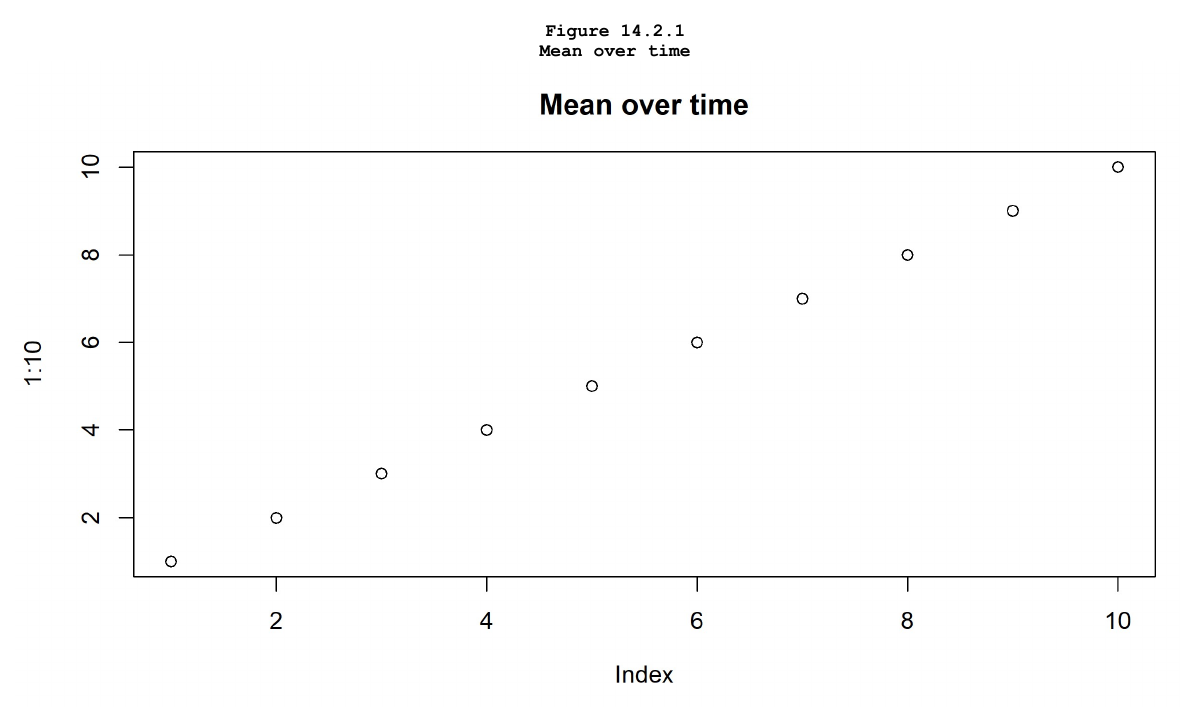
Pass an explicit width_twips (the height then follows
the aspect ratio) to scale a figure – for example to shrink one that is
wider than the page, since the native size is not
auto-capped to the writable width:
rtf_figures(list(img), width_twips = 9000L) # force 6.25 in wideTables and figures share the same page model, so a report is just a sequence of content pages – some tables, some figures – each optionally titled and footnoted. To control the running header/footer across those pages, see the headers & footers article.
See ?rtf_tables and ?rtf_figures for the
full argument reference.
Where next
- Figures — plot objects, size on the page, formats
- Borders — how a table gets its rules
- Sections — when one document needs more than one header
The four recipes (?rtfreporter-recipes) are the same
ground covered as runnable help-page examples: demographics, adverse
events, PK and laboratory, each data-in to RTF-out.