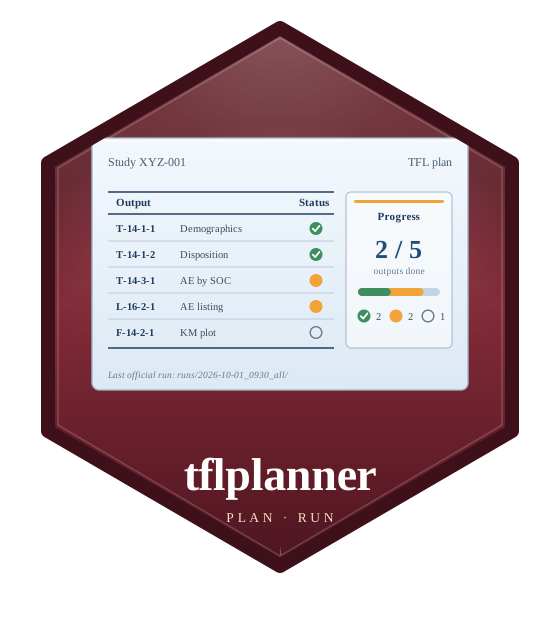
Opens the study manager. Choose a study – it opens as it was last
saved – or create or register one, then define its reports (Tables from
the table definition; Listings and Figures from their programs), their
data code, and run them. The first time, tflplanner's home is set up
with the defaults (setup_tflplanner()). The app is in English or
Japanese (setup_tflplanner(language = ), or its settings).
Usage
run_app(
  study = NULL,
  ...,
  stop_on_close = FALSE,
  launch.browser = .external_browser
)

planner_app(study = NULL, stop_on_close = FALSE)
Arguments
- study
A study to open at start: a registered study's id, or a study folder.
- ...
Passed to
shiny::runApp()(e.g.port).- stop_on_close
Stop the app when its last browser tab is closed (after a few seconds, so that reloading the page does not stop it). The shortcut and
launch_app()start it this way.- launch.browser
Where the app opens: by default the system's own web browser, as the desktop shortcut opens it – also when R runs in RStudio, whose Viewer and Shiny window do not ask before a window with unsaved changes closes.
FALSEopens nothing (the address is printed); a function of the URL, orTRUE(shiny'sgetOption("shiny.launch.browser")), asshiny::runApp()takes it.
Value
planner_app() returns a shiny::shinyApp() object;
run_app() runs it.
See also
launch_app() to start it in its own R process, as the
shortcut does (add_shortcut()).
Examples
if (interactive()) {
  run_app()
  run_app("ABC-101")
}